
Meetups & communities
Free or low-cost events with a clean page, simple registration, and fast check-in.
Platform features
Public site, tickets, forms, check-in, email, and Cue OS AI — one connected system.
Public site
Agenda, speakers, venue, FAQ, and registration on your subdomain or custom domain. Guests get a polished page; you stay in one workspace.

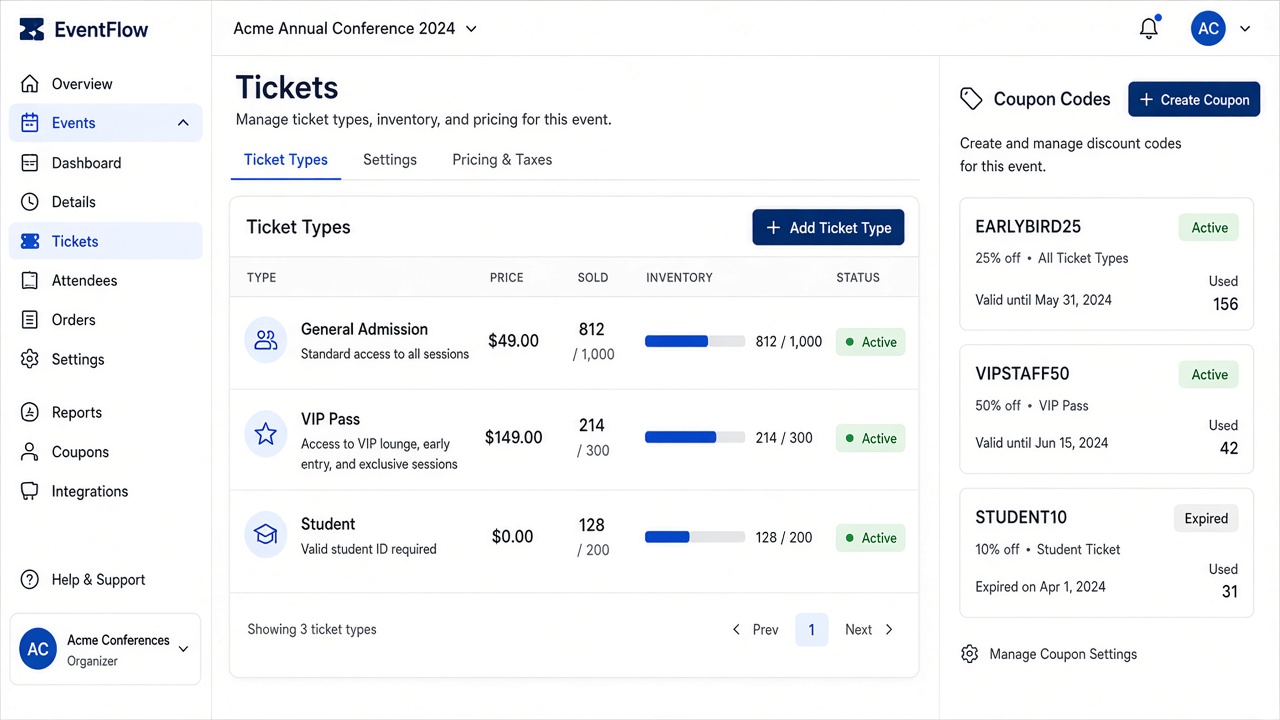
Tickets & checkout
Paid and free tickets, coupons, inventory caps, and checkout that protects capacity — without a separate commerce tool.
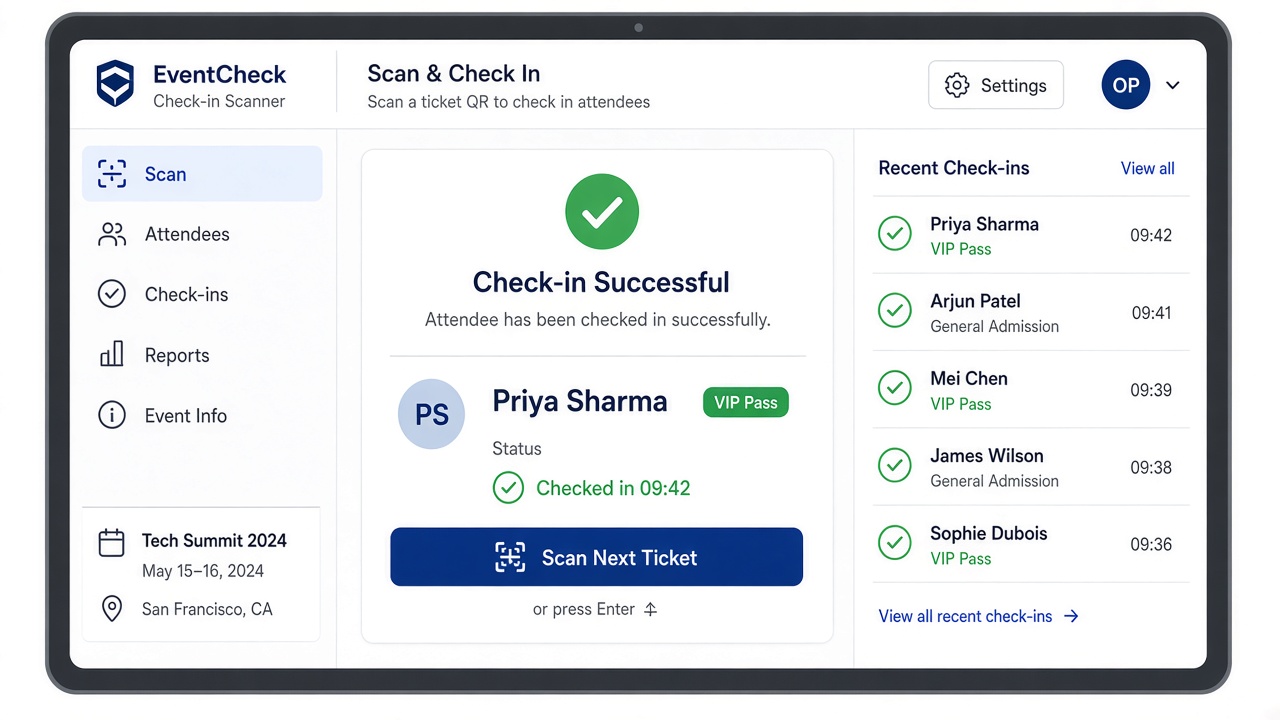
Check-in & checkpoints
Scan for entry, then redeem food, goodies, or add-ons at checkpoints with rules your floor team can follow.
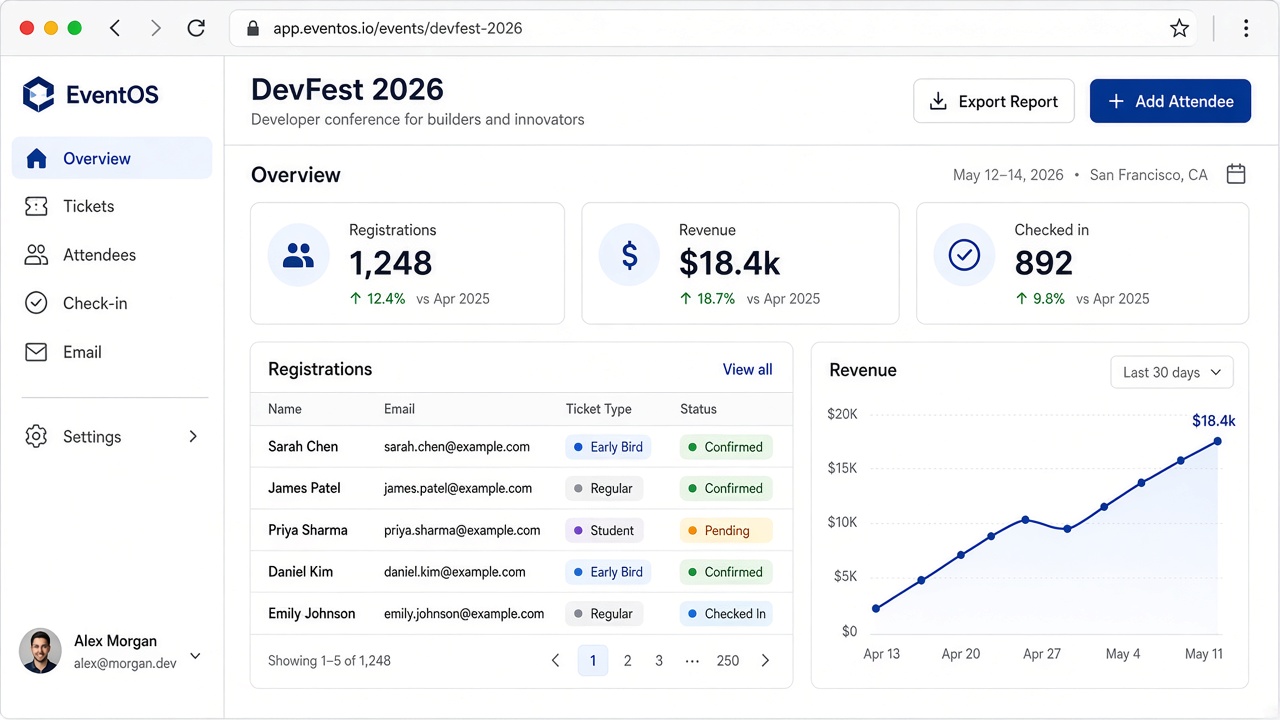
Workspace
Registrations, revenue, and check-in status in one view — before, during, and after the day.
Cue OS AI
Ask in plain language. Review the draft. Apply it to tickets, forms, speakers, or campaigns without leaving the organizer app.
Describe the event and get ticket types, prices, and capacity you can apply.
Generate registration and feedback forms, then edit before publishing.
Draft early-bird and reminder emails grounded in your event details.
Add speakers, sessions, and sponsor blocks so the public site fills out quicker.
Ask what to verify before opening registration or doors.
Summarize registration trends, ticket sales, and configuration.
Event lifecycle
One product across the full arc of the event.
Before
Build the site, open tickets, collect registrations, and send confirmations. Use AI to draft the first structure.
During
Check people in, redeem add-ons, and watch live attendance without leaving the workspace.
After
Export attendee data, review what sold, summarize the run, and reuse templates next time.
Also included
Supporting tools stay in the same product as the event.
Forms
Conditions, templates, and submit alerts per ticket type.
CRM
Search, filter, export, and resend confirmations in one place.
Reusable templates and per-ticket confirmations.
Ops
Overflow capacity, team tickets, and day-of exceptions.
Domains
Launch on a Cue OS subdomain, then connect your own.
Access
Give volunteers the check-in views they need for the day.
Built for
Free or low-cost events with a clean page, simple registration, and fast check-in.
Paid tiers, speakers, sponsors, coupons, and day-of ops without five separate tools.
Team tickets, waitlists, and follow-up forms so every session stays organized.
FAQ
Plans, tickets, AI, forms, check-in, and domains.
Starter includes a public event site, free tickets, basic check-in, and an Cue OS subdomain — ideal for first events and small meetups.
Yes on Growth and above. Create paid tiers, set inventory, add coupons, and collect payments through checkout with capacity protection.
Cue OS AI drafts tickets, forms, speakers, sponsors, and email campaigns from a short brief. You review and apply changes in the organizer workspace.
Yes. Build forms with conditions and templates, then attach confirmations from the Email library when someone registers.
Scan QR codes at the door and use checkpoints for add-ons. Entitlement rules stay clear so floor staff know what each attendee can redeem.
Launch on an Cue OS subdomain immediately, then connect a custom domain on paid plans when you are ready.
Ready when you are
Create a free account and set up your first event in minutes.